


Go

Bursar's Office

Osprey Card (Stockton ID Card)

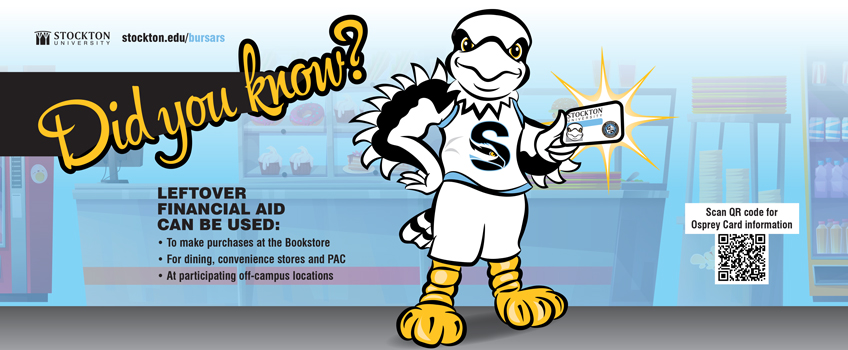
The College offers students, faculty and staff an alternative purchasing option. Your ID card acts as a debit card for on-campus purchases. A select number of off-campus merchants also accept this card. Cash cannot be withdrawn from this card and the funds cannot be removed once transferred.  Restricted and unrestricted funds will roll from semester to semester until the student graduates or otherwise leaves the College.

You have two options when adding funds to your card: 1) select "unrestricted" to be able to use your card at any location on campus (bookstore, dining facilities, Performing Arts Center) or with participating off-campus vendors (see link below); or 2) select "restricted"  to spend in Chartwells facilities - all on-campus food service operations, including the Convenience Stores, Pizzeria and Food Court. Bonus coupons are provided by Chartwells when adding funds designated as restricted. Bonus coupons (Dining Dollars) should be picked up in Campus Center Suite 013 (Lower Level) between 10:00am and 2:00pm from Monday through Thursday.

The application can be obtained online at the Bursar's website by clicking on the link below or at the Bursar's Office. Funds in the form of cash, check, credit card, and/or financial aid may be applied to this card. Additional funds may be added at any time online or by submitting a signed application with appropriate funds to the Bursar's Office. 

Financial aid students need to complete an application authorizing transfer of money to this card. Only sufficient available funds on a student's account will be permitted to be transferred to this card.  You may only select  "unrestricted" if using financial aid funds. If you wish to have funds on your card that are "restricted" you must pay with cash, check or credit card. You are limited to $800 being placed on the card per semester. Once the College actually receives your financial aid funds (usually a month after the start of the semester) you may add additional funds to your card. 

Online submission of additional funds:  Make a payment to your student account (term bill) via web check or credit card through the "GO" Portal. Then complete and submit the online form indicating the amount of funds to be transferred to your ID card from the credit on your main student account. We process online payments twice a day.


Click here to add funds to your card

Click here to login or register with ManageMyID to check current balances or to view transaction history.

Click here to view Off-Campus Vendors who accept the Osprey Card (Unrestricted funds only).